- What is Erayaha?
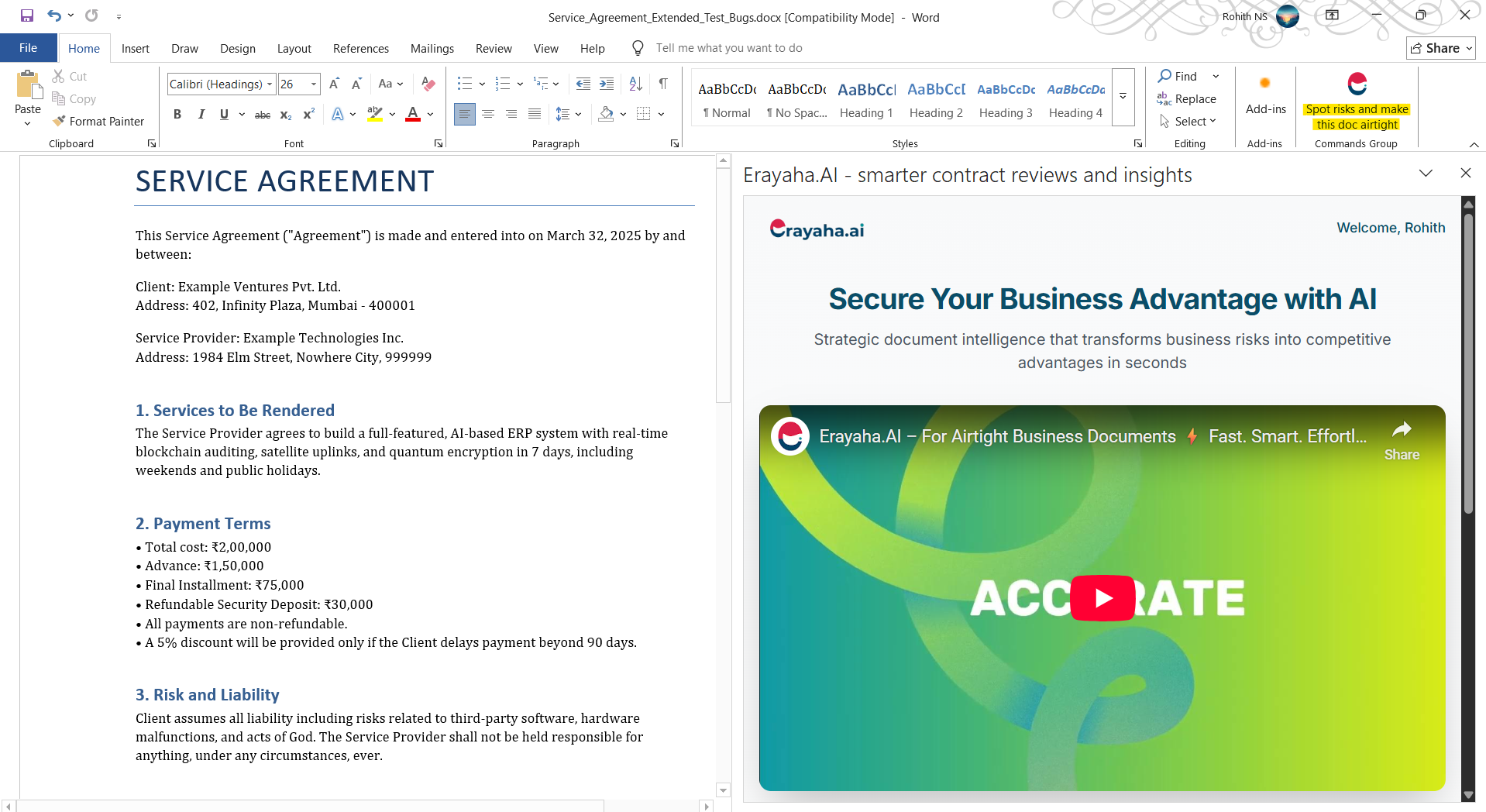
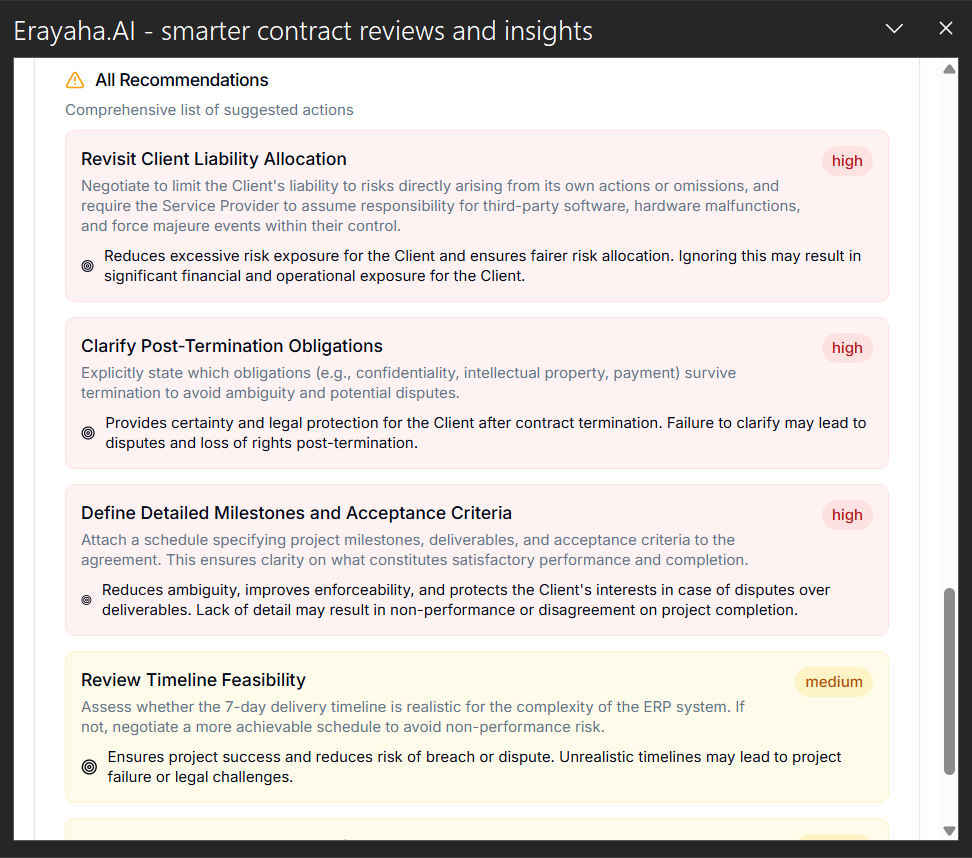
- Erayaha is a document intelligence tool that helps analyze, summarize, and refine business documents such as contracts, RFPs, DHRPs, and financial agreements inside Google Docs and Microsoft Word.
- Is Erayaha free to use?
- Yes. A free tier is available with limited usage. Paid plans provide higher usage quotas and access to advanced features and analysis depth.
- I installed the add-on, but nothing appears in the sidebar. What should I do?
- Make sure the document has content and that you are signed into the Google or Microsoft account used to install the add-on.
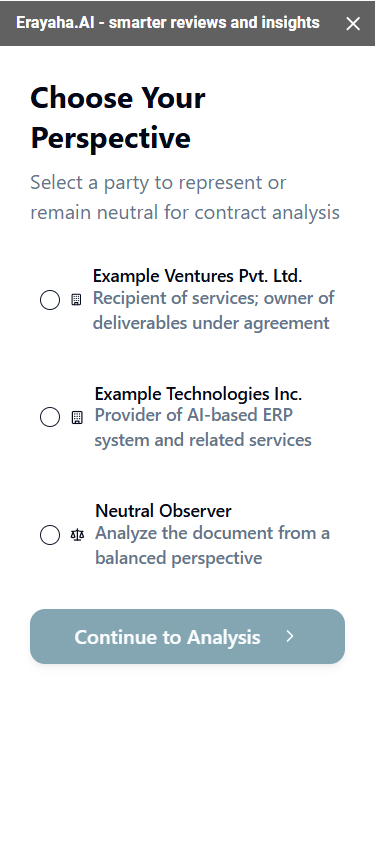
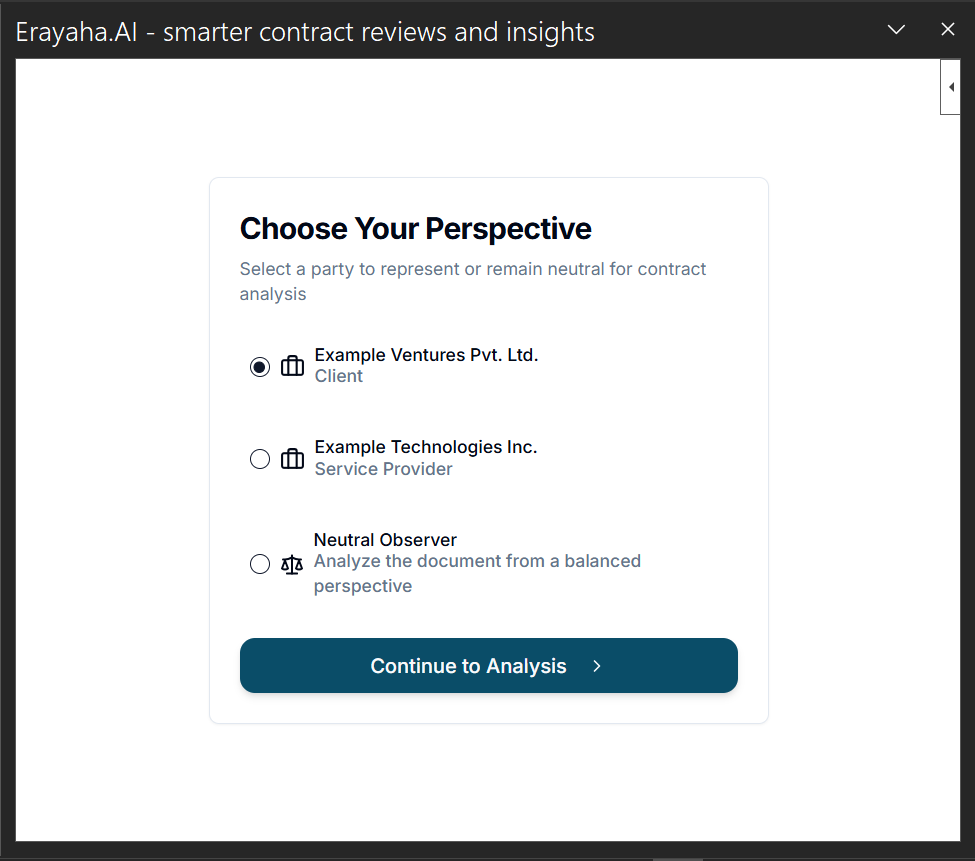
- Why am I being asked to choose a perspective?
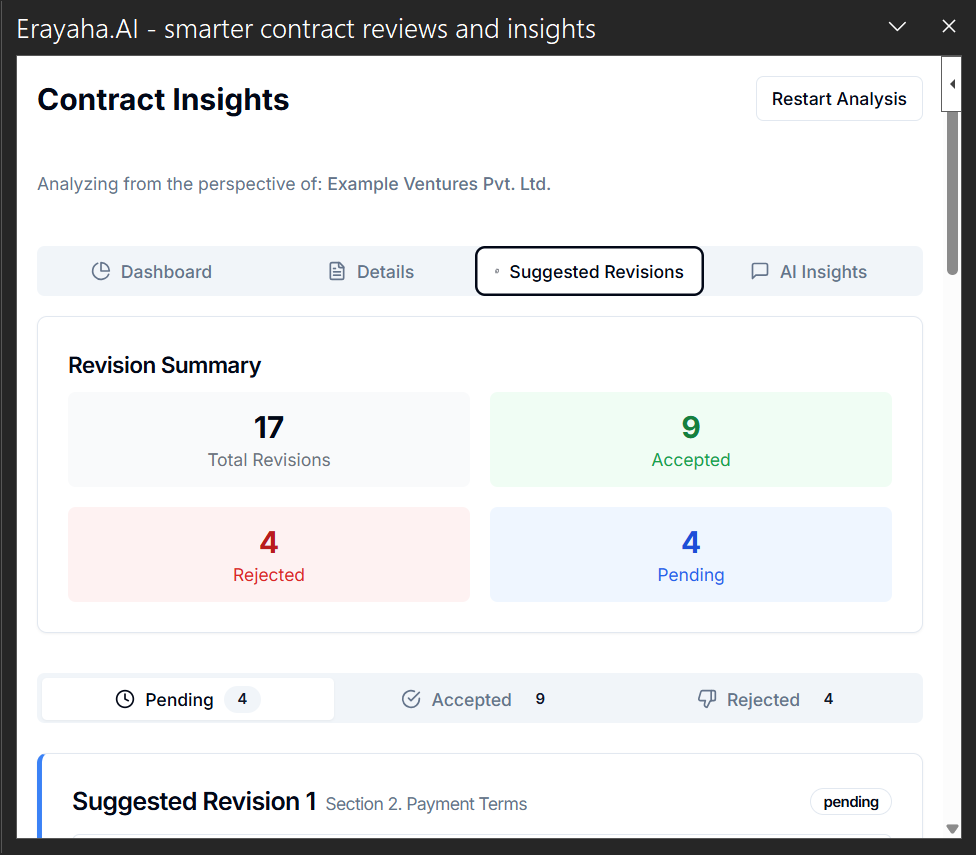
- Perspectives such as Client, Vendor, Legal, Finance, or Product let the assistant analyze the document from a specific viewpoint and tailor its insights and suggestions.
- What kind of prompts should I use?
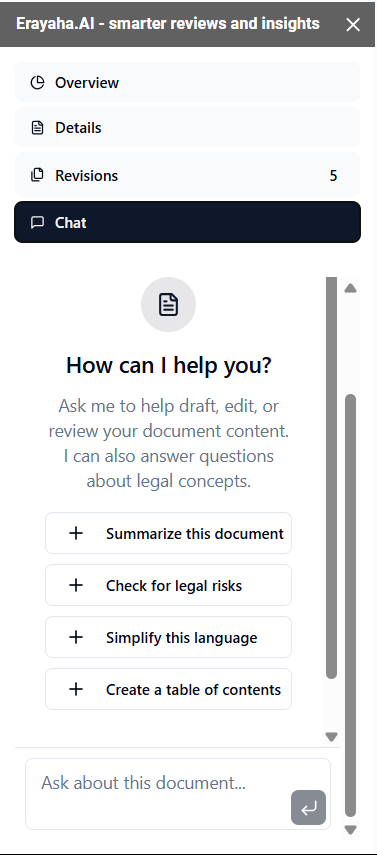
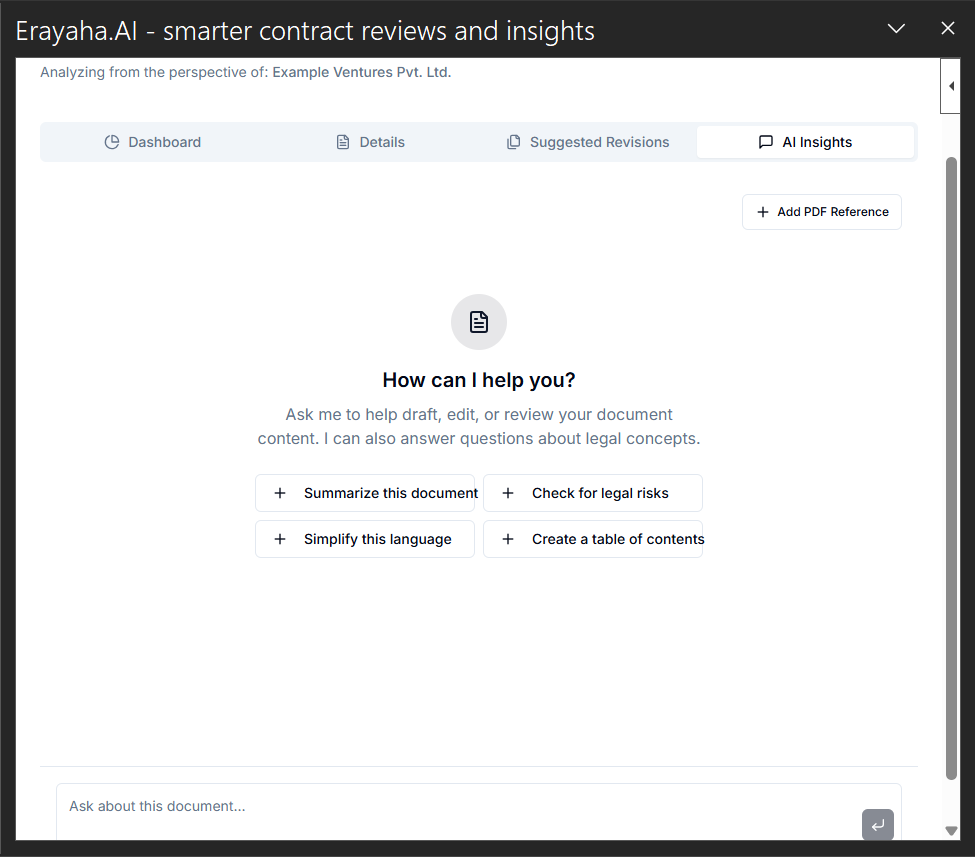
- Specify what you want and the role you have in mind. Examples: “What risks are there for the client?”, “Summarize this from a legal point of view,” or “Check whether this document has unrealistic delivery expectations.”
- Is my document data safe?
- The legacy guide states that documents are not stored or used for AI training unless you explicitly opt in. See the current Privacy Policy for up-to-date data handling details.
- Can I use both Google Docs and Word versions with the same account?
- Yes. You can use Erayaha across platforms when signed into the corresponding Google or Microsoft account used for each extension.
- What document types work best with Erayaha?
- Erayaha is built for business documents such as contracts, tenders, RFPs, DHRPs, and compliance reports. Informal or creative documents may produce less targeted insights.
- What should I do if I see “Authorization required”?
- Sign out of other Google accounts or try an incognito window. This error often results from conflicting sessions.
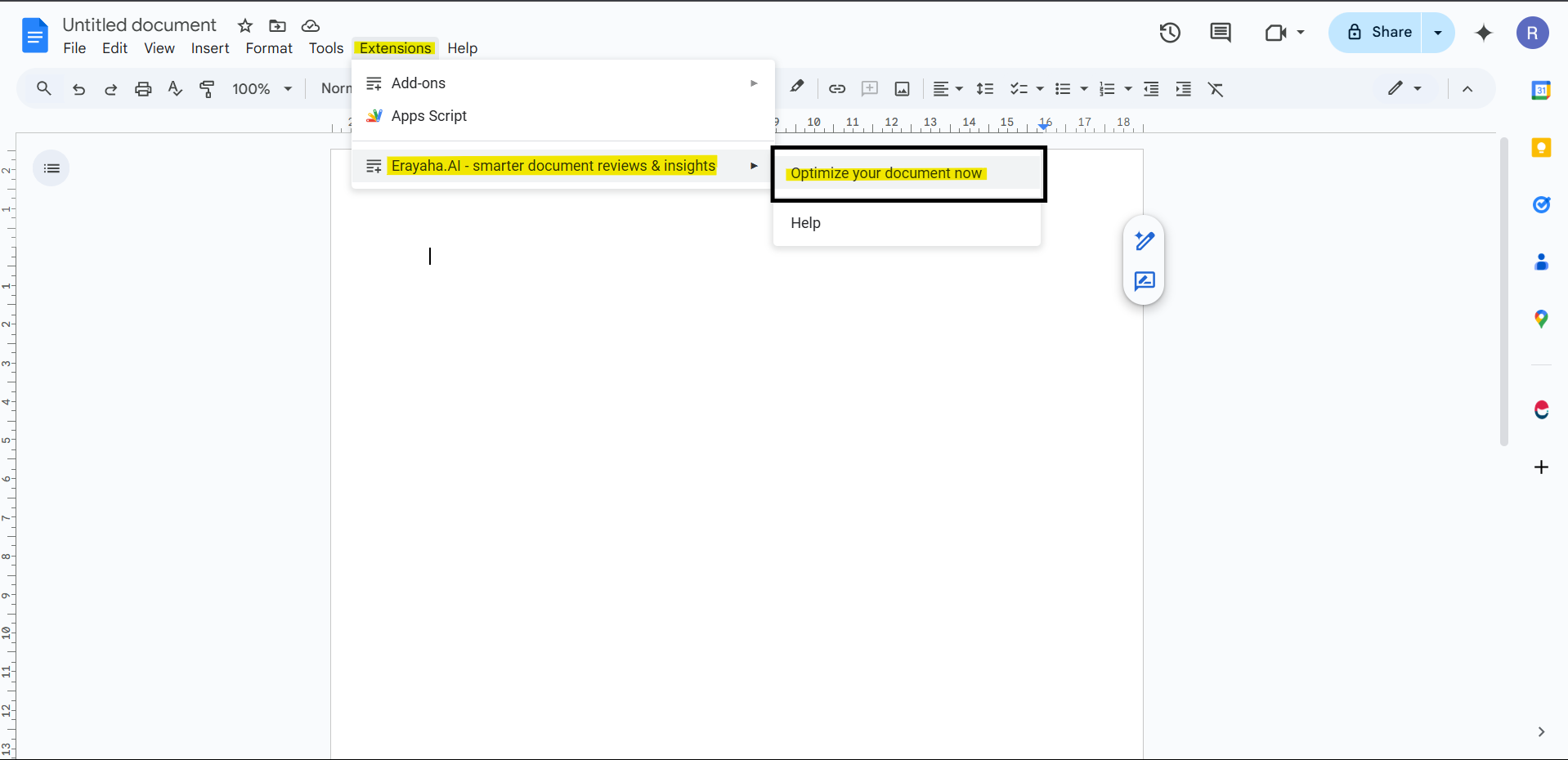
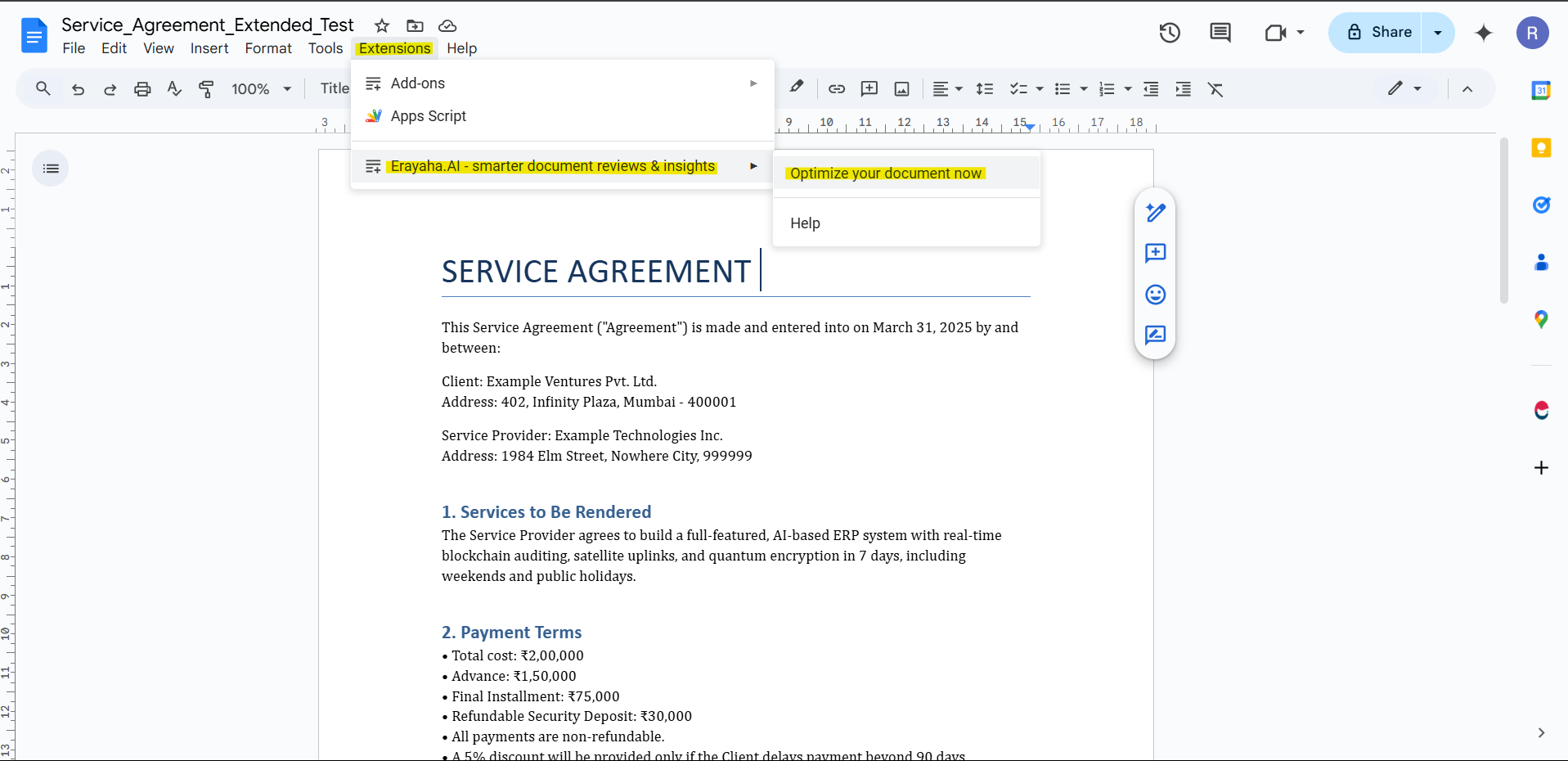
- Why is Erayaha asking me to optimize the document?
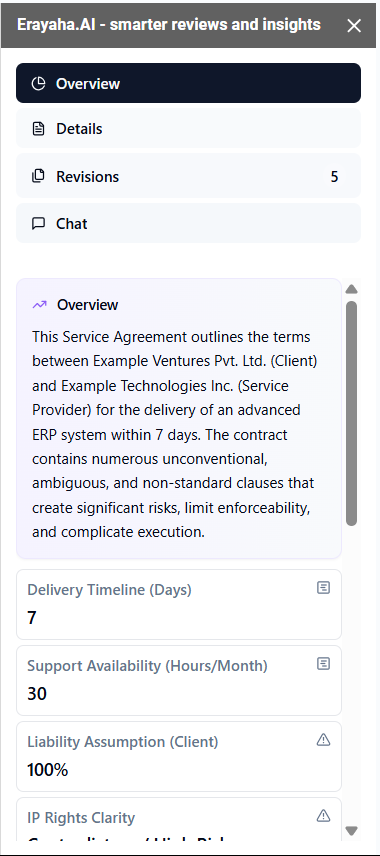
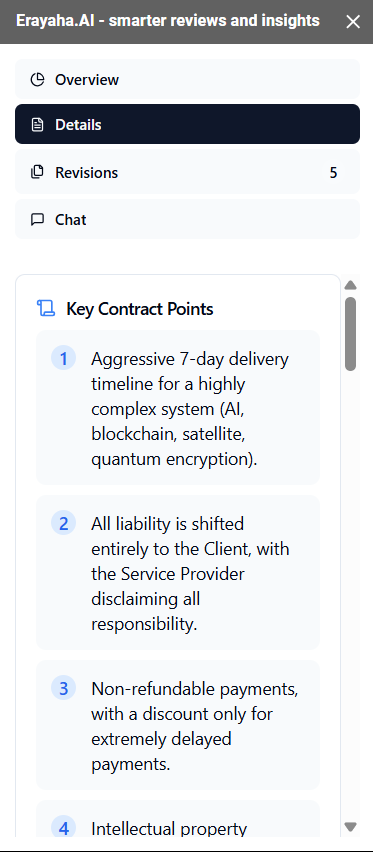
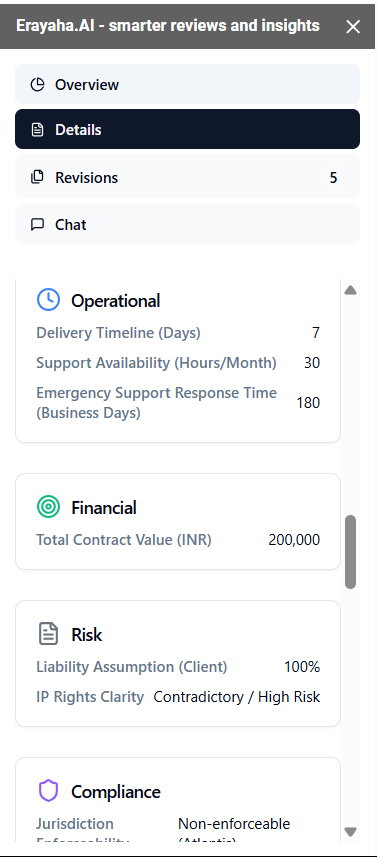
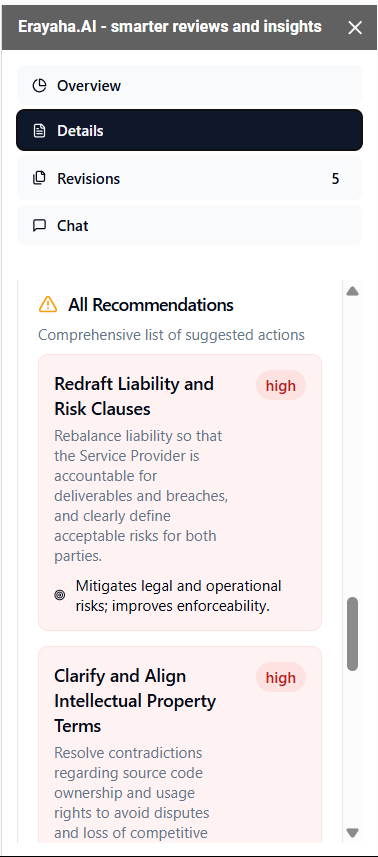
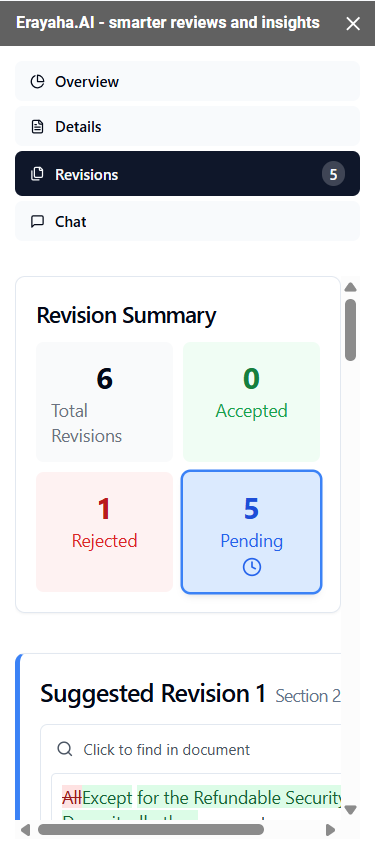
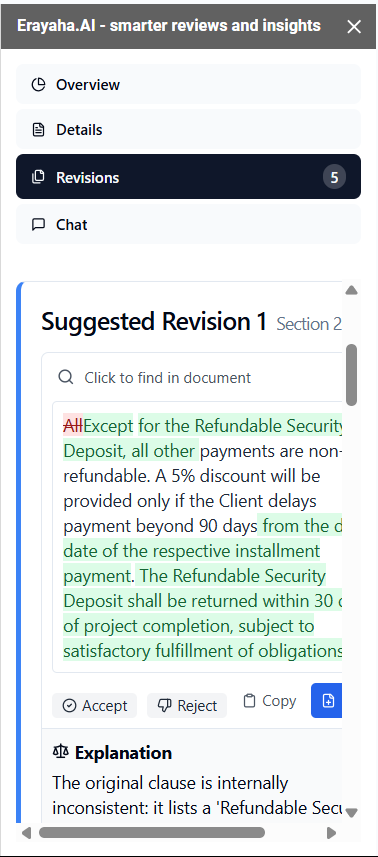
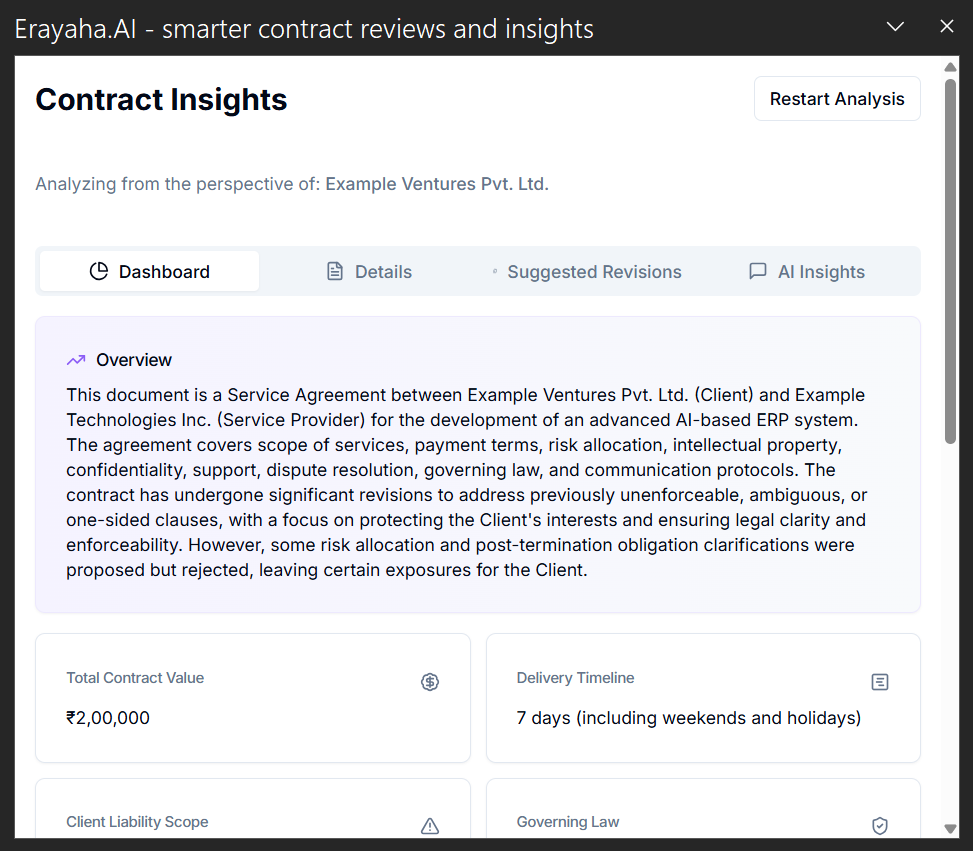
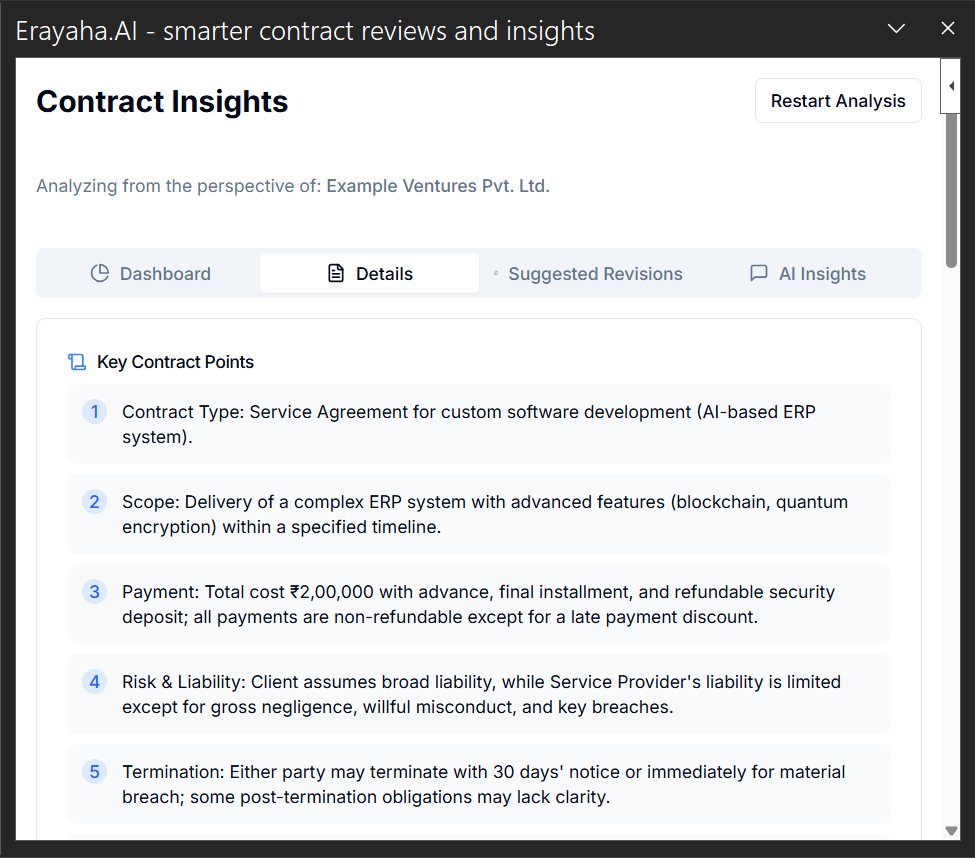
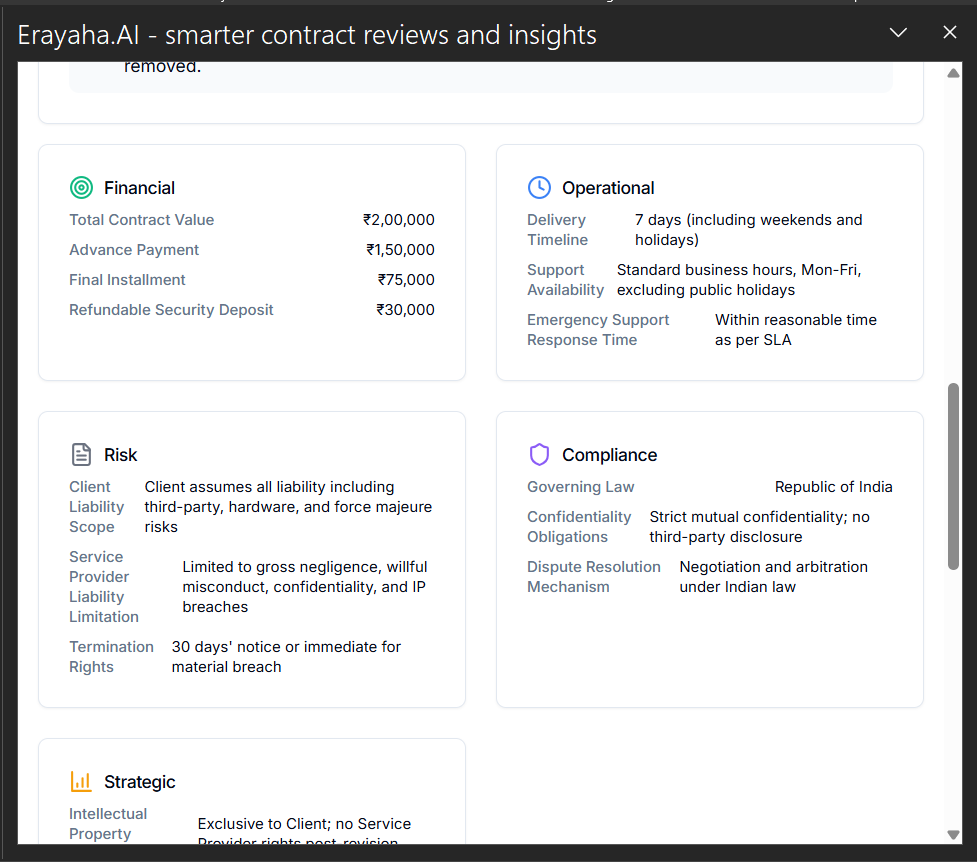
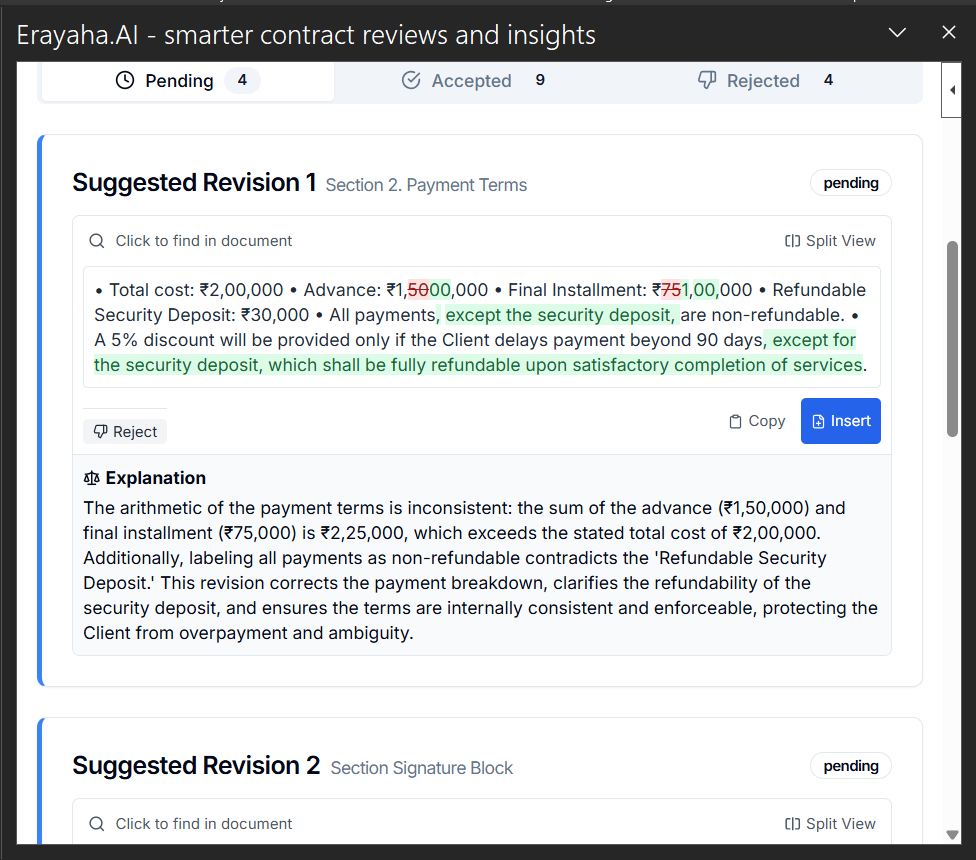
- Optimization starts the AI analysis. Perspective selection, Overview, Details, and Revisions become available after analysis, which ensures the assistant uses the latest document content.
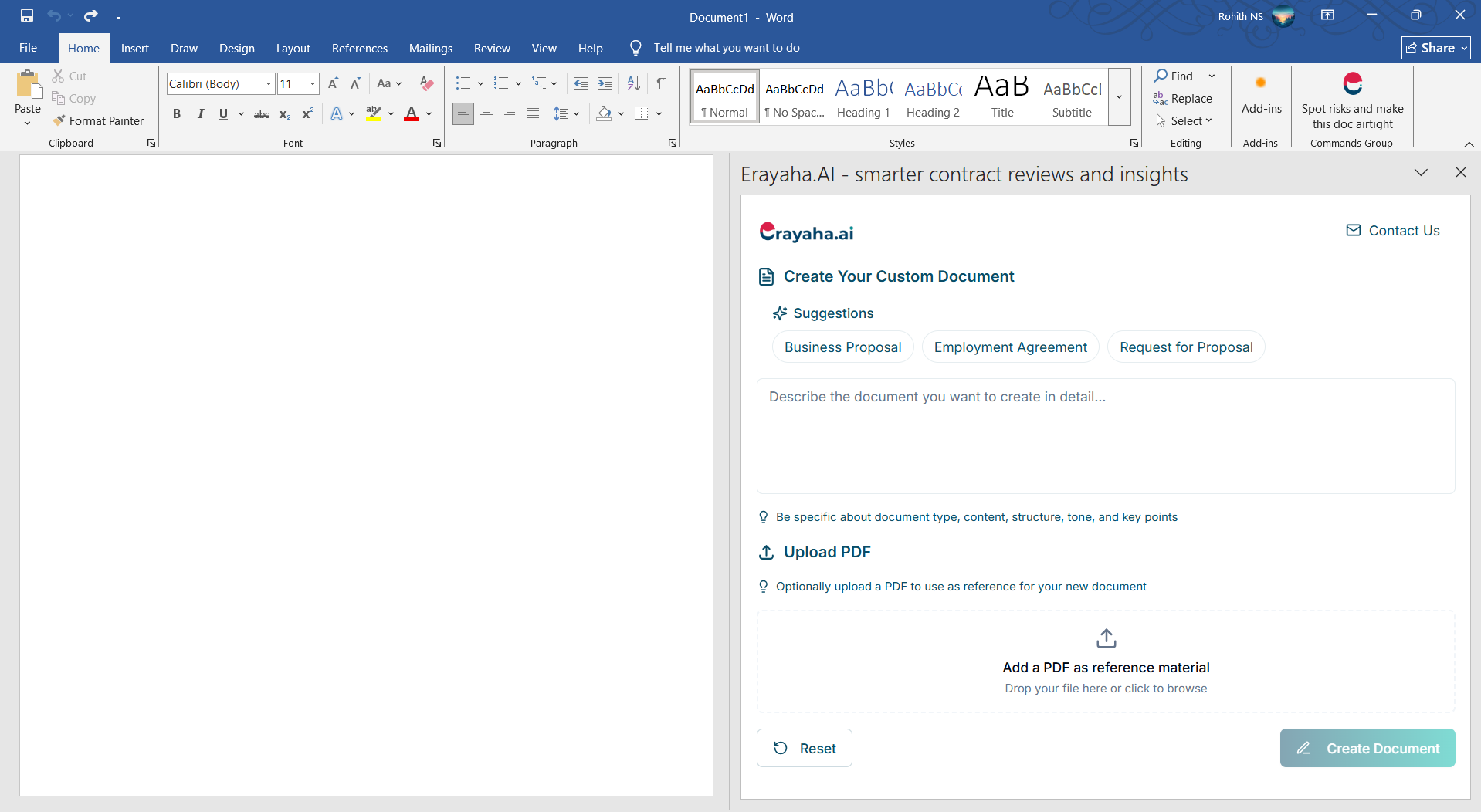
- Can Erayaha work on a document with only an image or blank content?
- No. Erayaha needs text to analyze. A blank Word document may offer document creation; a document containing only images cannot provide meaningful analysis.
- What happens if I do not select a perspective?
- Without a perspective, Erayaha cannot contextualize the document. Selecting one unlocks insights tailored to your needs, whether you are a lawyer, vendor, or product lead.
- Do I have to type full prompts every time in Chat?
- The current guide says you need to provide a clear prompt. You can reuse or adjust previous prompts.
- How is the Word add-in different from the Google Docs extension?
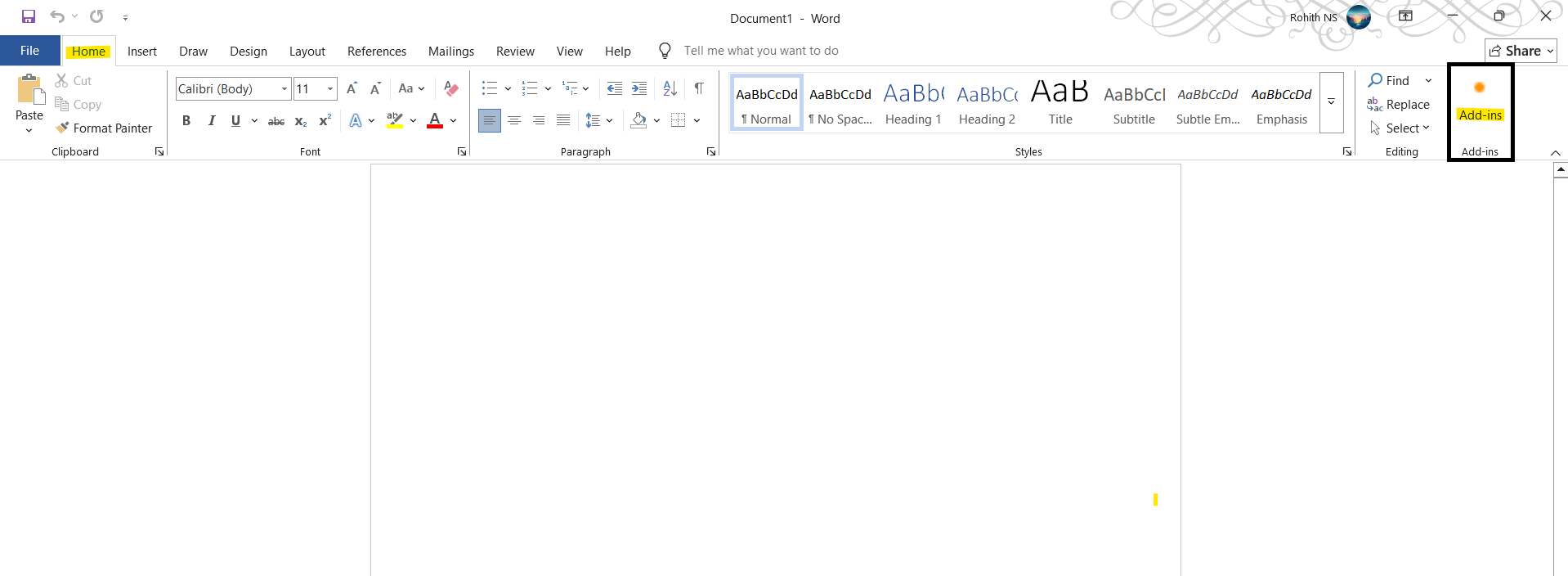
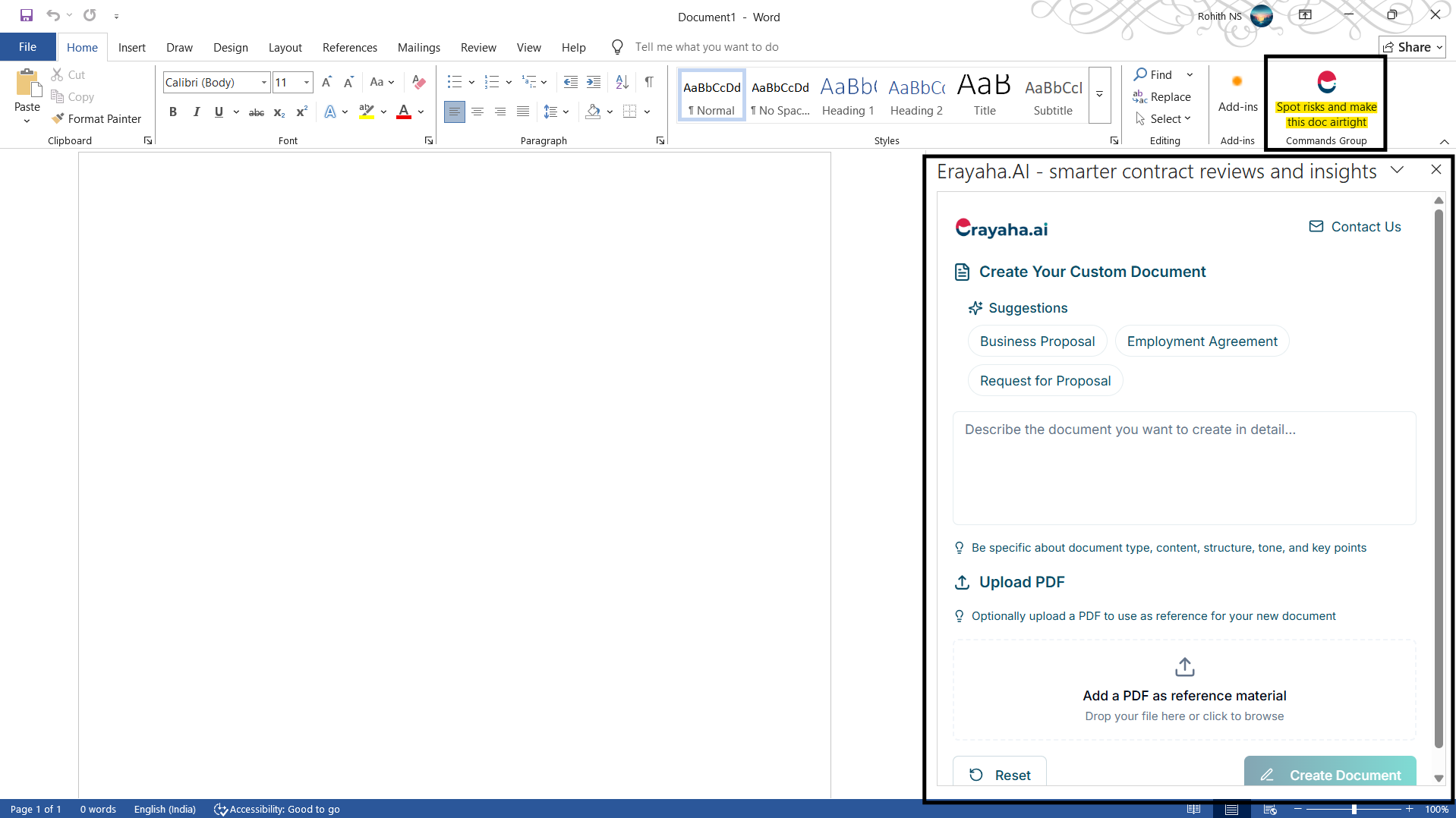
- The guide describes their features as nearly identical, with Word offering an extra “Create Document” feature for drafting from a prompt when the document is empty.
- Why do suggestions change every time I click Optimize?
- Suggestions can change when document content changes or the AI reanalyzes tone, structure, or risk. Even small rewrites or deletions can lead to new interpretations.
- Can Erayaha be used for academic papers or resumes?
- Although it may provide feedback on clarity and structure, Erayaha is optimized for business, legal, and technical writing rather than creative or academic use.
- Does Erayaha support real-time collaboration?
- In Google Docs, collaborators can see the same sidebar and results if they also installed the extension. In Word, this depends on whether each collaborator has the add-in installed.
- How often is the assistant updated?
- Erayaha is regularly updated to improve its capabilities, risk detection, and prompt comprehension. The guide says updates apply automatically without reinstalling the extension.
- Does Erayaha support multiple languages?
- The legacy guide states that English is fully supported and support for other languages is in progress. Check current product information for updates.
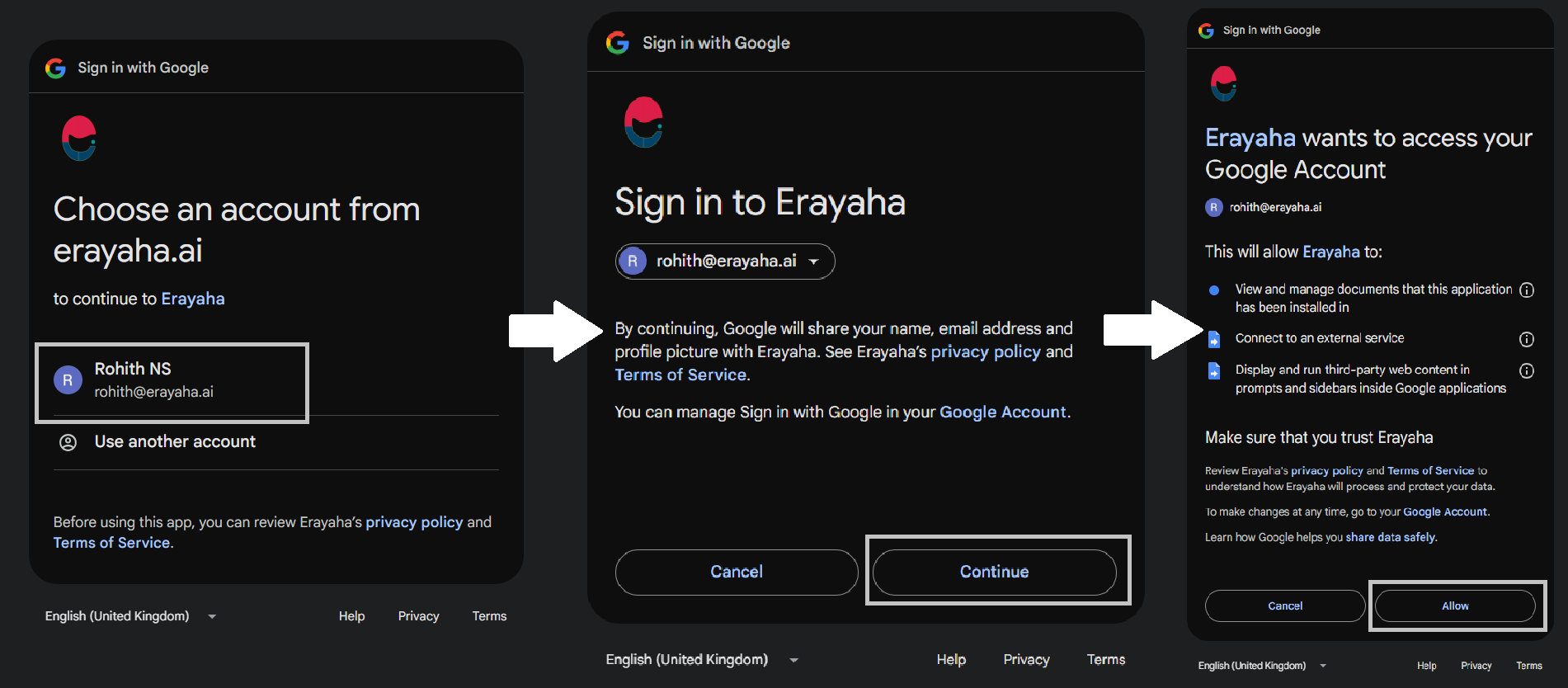
- What if I accidentally deny permissions during installation?
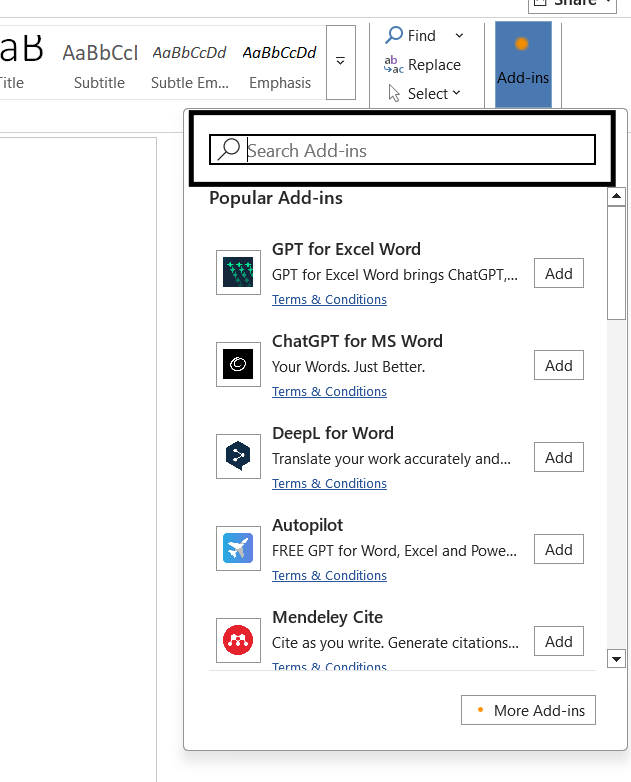
- Remove the add-on from Docs or Word, reinstall it, and grant the required permissions when prompted.
- Are the insights legally binding?
- No. Erayaha’s suggestions are not a substitute for human legal review. Consult a qualified professional before acting on AI-generated recommendations.